Tables, Rows, and Columns
Tables, rows, and columns are the basic building blocks of a relational database. Understanding these concepts is important before writing SQL queries in Oracle SQL.



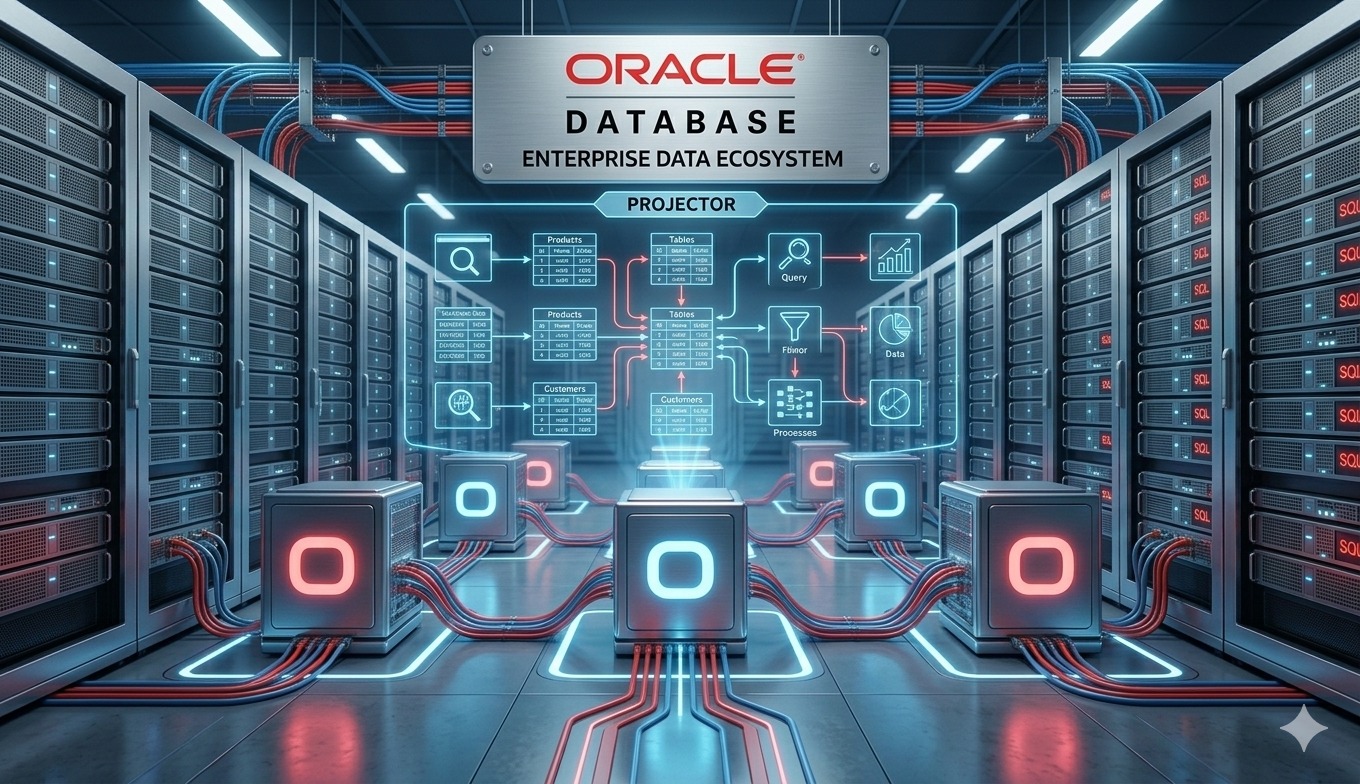
In Oracle SQL, data is stored inside tables. A table is a structured database object that stores related information in rows and columns. It is one of the most important parts of a relational database because almost every SQL query works with tables in some way. Without understanding tables, rows, and columns, it becomes difficult to understand how data is stored, retrieved, filtered, updated, and reported in a database system.
A table can be compared to a spreadsheet, but a database table is much more powerful, secure, and reliable. In a spreadsheet, data is also arranged in rows and columns, but database tables are designed to handle large amounts of data, support multiple users, maintain data accuracy, and connect with other tables. For example, an organization may have separate tables for employees, departments, salaries, attendance, products, invoices, and customers.
Columns define the type of information stored in a table. Each column has a name and a data type. For example, in an employee table, columns may include employee_id, employee_name, department_id, salary, hire_date, and job_title. The employee_name column may store text, the salary column may store numbers, and the hire_date column may store date values. This structure helps the database understand what kind of data should be stored in each column.
Rows contain the actual records inside a table. Each row represents one complete record. For example, in an employee table, one row may represent one employee. If a company has 500 employees, the employee table may contain 500 rows. Each row will contain values for different columns, such as employee ID, employee name, department, salary, and joining date.
Example columns in an employee table may include:
- Employee ID
- Employee Name
- Department ID
- Job Title
- Salary
- Hire Date
Tables are usually designed based on business requirements. For example, an HRMS system may use an employees table to store employee details, a departments table to store department names, and an attendance table to store daily attendance records. Instead of storing all information in one large table, data is divided into separate related tables. This makes the database easier to manage, reduces duplication, and improves data accuracy.
Common examples of database tables include:
- Employees table for employee information
- Departments table for department details
- Customers table for customer records
- Products table for product information
- Invoices table for billing records
- Attendance table for daily attendance data
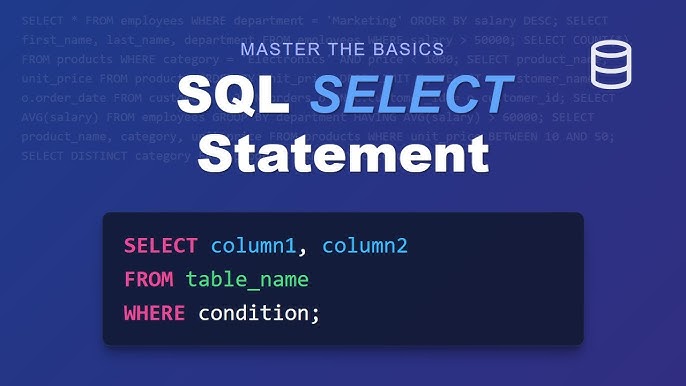
Understanding tables, rows, and columns is a key foundation for learning Oracle SQL. When writing SQL queries, we select columns, filter rows, update records, insert new rows, and join multiple tables together. These basic concepts are used in almost every database operation. Once tables, rows, and columns are clear, learning SELECT statements, WHERE clauses, joins, grouping, and reporting becomes much easier.